Section 455 reclaims online: the access risk nobody talks about
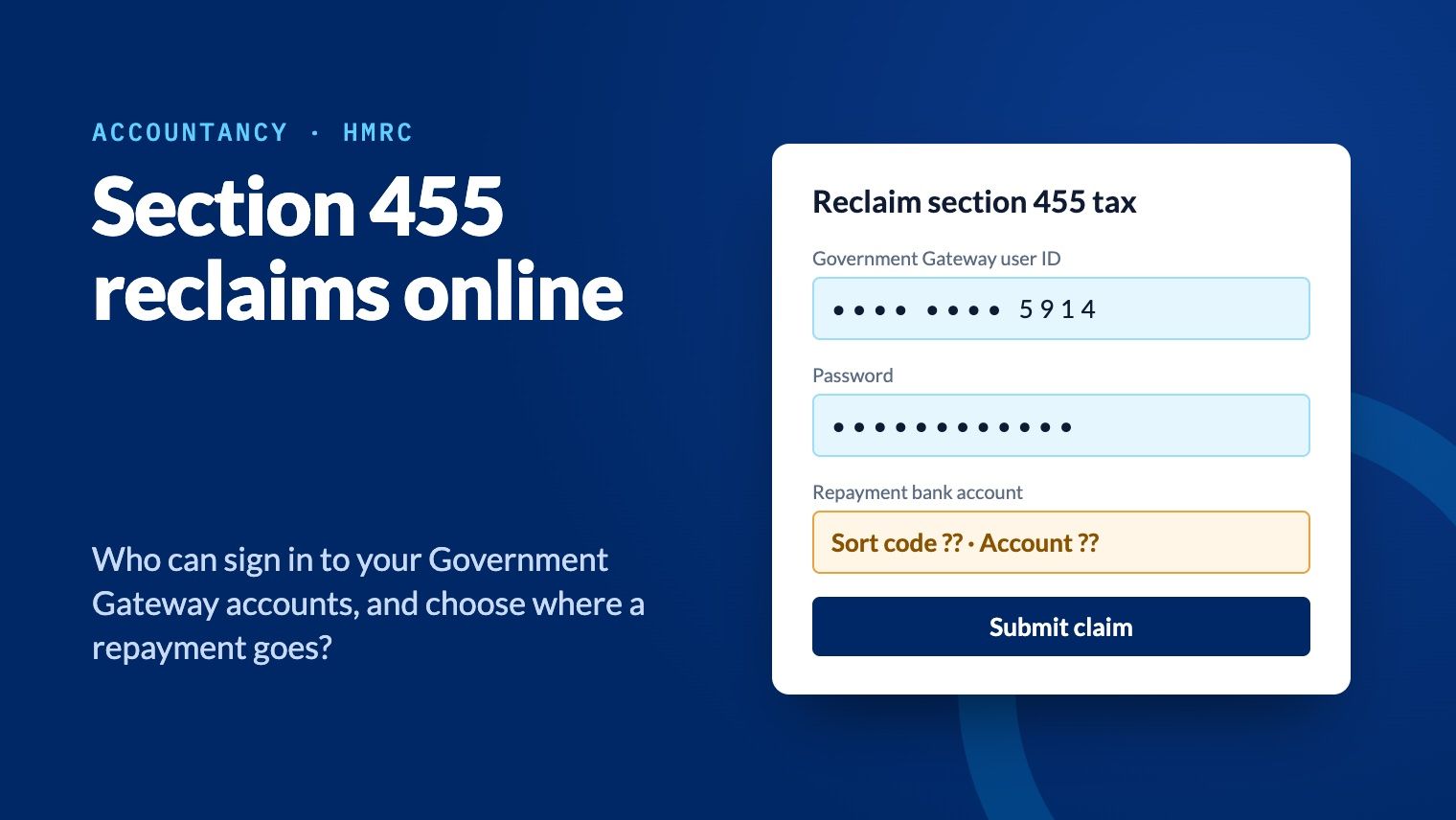
Since November 2023, section 455 tax can be reclaimed online, paid to the bank account the claim gives. Anyone who can sign in to a firm's Government Gateway accounts, leavers and phishers included, could make that claim. Hidden passwords, managed one-time codes and a named record of every sign-in close the gap.
Anyone who can sign in to your firm's Government Gateway accounts can now claim a client's section 455 repayment online, and choose the bank account it's paid into. That includes people who left the firm months ago, and anyone whose phishing email worked.
Section 455 repayments are often large, they arrive long after the loan was repaid, and nobody is watching for them. That makes them an easy target. This article explains how the risk works and how My1Login closes it.
What changed: section 455 reclaims went online
When a close company lends money to a director or shareholder and the loan is still outstanding nine months after the year end, the company pays section 455 tax on it. For loans made since 6 April 2022 the rate is 33.75% of the amount outstanding. Once the loan is repaid, released or written off, the company can reclaim that tax.
Since November 2023, that reclaim can be made online, with form L2P, by the company or by a tax agent acting for it. The claim needs:
a Government Gateway user ID and password, or the agent's Agent Services Account;
the company's Unique Taxpayer Reference and the loan details;
the bank or building society account the repayment should be paid into.
The claim can't be made until nine months and one day after the end of the accounting period in which the loan was repaid. So the money is due long after anyone at the client last thought about the loan.
How a fraudulent reclaim would work
The attack needs only one thing: a working sign-in to a Government Gateway account that can act for the client. Most firms share those sign-ins across a team, so there are several ways one can end up in the wrong hands:
A leaver who still knows the password. Shared Government Gateway passwords are rarely changed when someone leaves, because changing them disrupts everyone else.
A phished sign-in. A convincing fake HMRC page collects the user ID and password from anyone who types them in.
A password written down or reused. Spreadsheets, notebooks and the same password used elsewhere all leak.
A one-time code passed around. As HMRC adds multi-factor authentication to agent accounts, codes sent to one person's phone get forwarded in chat or email, where anyone can copy them.
From there, the claim itself is quick:
Sign in as the firm and open the L2P claim for a client with a repaid director's loan.
Enter the loan details, which are in the client's accounts the firm prepared.
Enter a bank account the fraudster controls as the repayment account.
Submit. The repayment goes to that account.
By the time anyone notices, the money has gone. The client expects the repayment months after the loan was cleared, so nobody chases it until it's overdue. When they do, HMRC's records show a valid claim, made through the firm's own sign-in.
What it means for the firm
The client has lost money through access the firm controlled, so the first question will be how the firm looked after it. Expect to be asked:
Who could sign in to our Government Gateway account, and who still can?
Who submitted this claim, and when?
What happened to the password when people left?
How were one-time codes shared across your team?
Without a record of who signed in and when, those questions are hard to answer. The same questions will come from your professional indemnity insurer, and from your professional body if a complaint follows. The cost is not only the repayment: it's the client relationship, and the firm's reputation for handling client access properly.
How My1Login closes the gap
My1Login signs your team in to Government Gateway for them. Nobody needs to know, see or type the password, or find the one-time code. So each of those routes is closed:
| Way in | How My1Login closes it |
|---|---|
| A leaver who still knows the password | Your team never sees the password, so there's nothing to take away. Access comes from your directory: switch off a leaver's account and their Government Gateway access ends with it. |
| A phished sign-in | Nobody types the user ID or password, and nobody knows them. A fake HMRC page has nothing to collect. |
| A password written down or reused | Passwords are long, random and unique, stored encrypted and changed by policy, without disrupting the people who use them. "Show password" is blocked, so they stay hidden. |
| A one-time code passed around | My1Login generates the access code and fills it in for everyone allowed to use the account. Codes don't sit on one person's phone or get forwarded in chat. |
| Accounts nobody knew about | My1Login learns the Government Gateway sign-ins already in use across the firm, so you can see every account and bring it under control. |
And if a claim is ever questioned, you have the answer. Every Government Gateway sign-in is recorded against the named person who made it, with the time. That's the evidence a client, an insurer or a professional body will ask for.
Five things to check this week
Whether or not you use My1Login, these checks show how exposed your firm is:
List every Government Gateway account the firm uses, including the Agent Services Account, legacy agent accounts and any client accounts you sign in to.
Find out who knows each password. Then ask who has left since it was last changed.
Check where one-time codes go. If a code goes to one person's phone and is passed on, note who receives it and how.
Change the passwords leavers knew. Do it now rather than at the next annual review.
Ask whether you could show a client who signed in to their account, and when. If the answer is no, that's the gap to close first.
See it on your own Government Gateway accounts
In a 5-minute demo we'll share a Government Gateway account with a team, hide its password and sign in with the access code generated and filled in. Then we'll show you the record of who signed in, and when. Or see how My1Login works with Government Gateway.
Sources
GOV.UK: Reclaim tax paid by close companies on loans to participators (L2P), published 6 November 2023
Questions
Can section 455 tax be reclaimed online?
Yes. Since November 2023 a close company, or a tax agent acting for it, can claim section 455 relief online with form L2P, using a Government Gateway account or an Agent Services Account. The claim includes the bank account the repayment is paid into.
When can a section 455 repayment be claimed?
Not until nine months and one day after the end of the Corporation Tax accounting period in which the loan was repaid, released or written off.
Why is the online section 455 claim a risk for accountancy firms?
Anyone who can sign in to the firm's Government Gateway accounts, including leavers and anyone whose credentials were phished, could submit a claim for a client and choose the bank account the repayment goes to. The fraud may not be noticed until the client chases the repayment.
How does My1Login protect Government Gateway accounts?
My1Login signs your team in without anyone seeing or typing the password, generates and fills in the one-time access code, ends a leaver's access when their directory account is switched off, and records every sign-in against the named person who made it.